Live product scenario
GST Notice Response — Acme Manufacturing FY25-26
Walk through how a Chartered Accountant practice configures a GST show-cause notice case type, opens a client matter, collaborates in-channel, and reviews every tab of the case file.
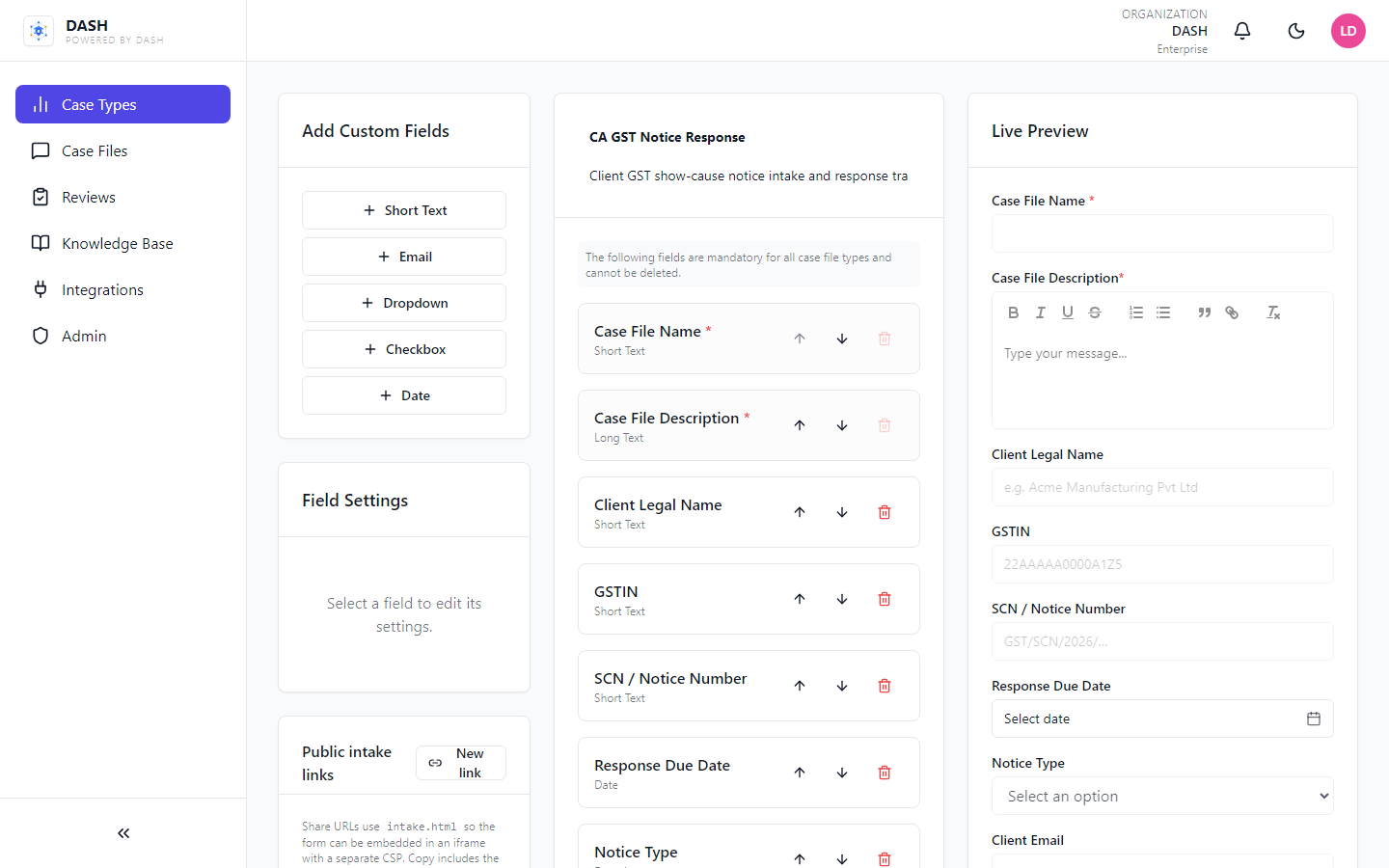
Build a CA case type
Create CA GST Notice Response with fields for Client Legal Name, GSTIN, SCN number, response due date, notice type, and client email — then save it for reuse across matters.
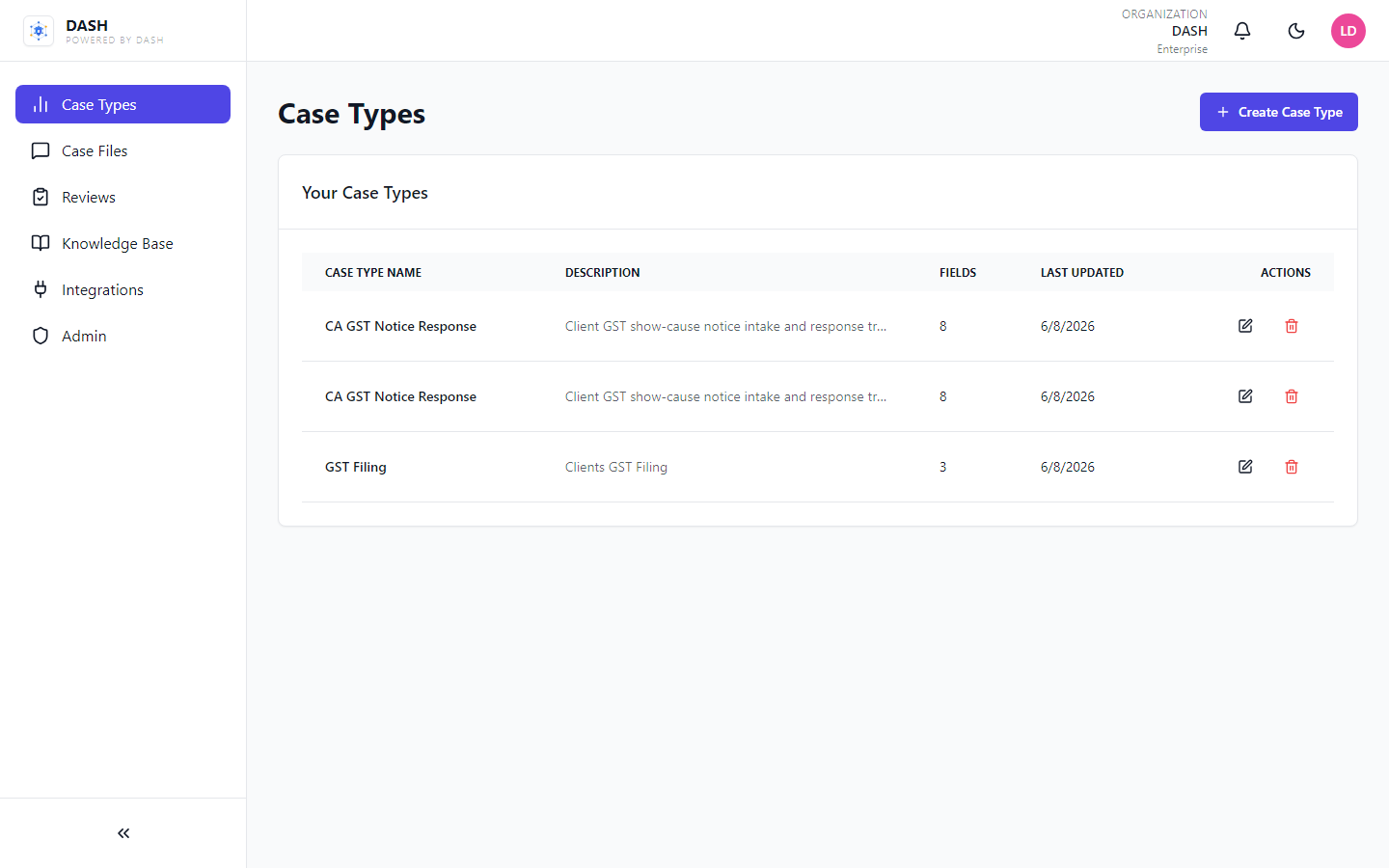
Publish on the Case Types list
The new case type appears in your library with field count and last updated — ready for every GST notice your firm takes on.
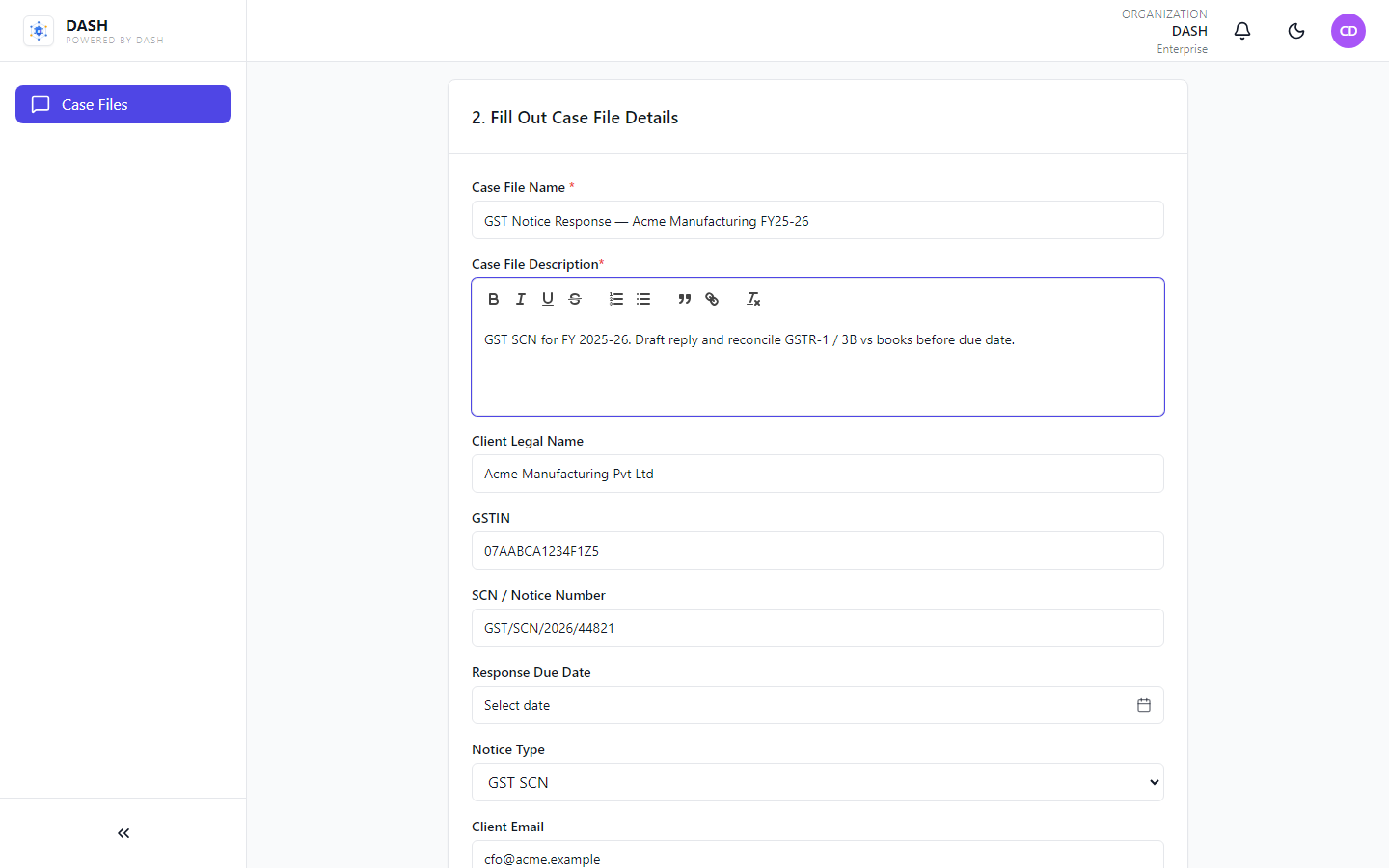
Open a new case file
Select the CA case type and fill Acme Manufacturing’s GST SCN details — notice number, GSTIN, notice type, and matter description — then create the case.
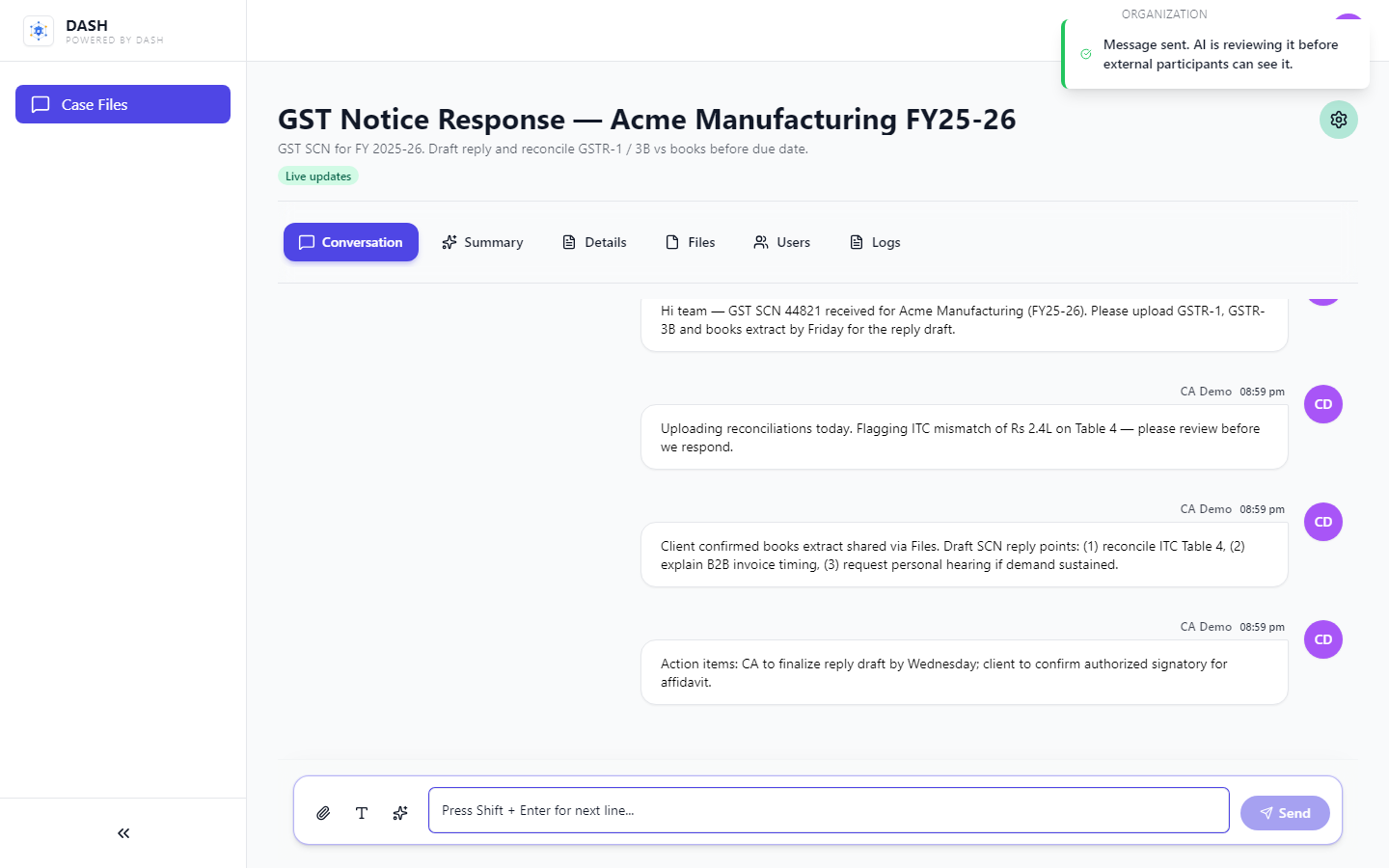
Collaborate in Conversation
Partners and staff message inside the matter: request GSTR-1 / 3B extracts, flag ITC mismatches, and keep the GST reply draft moving without email sprawl.
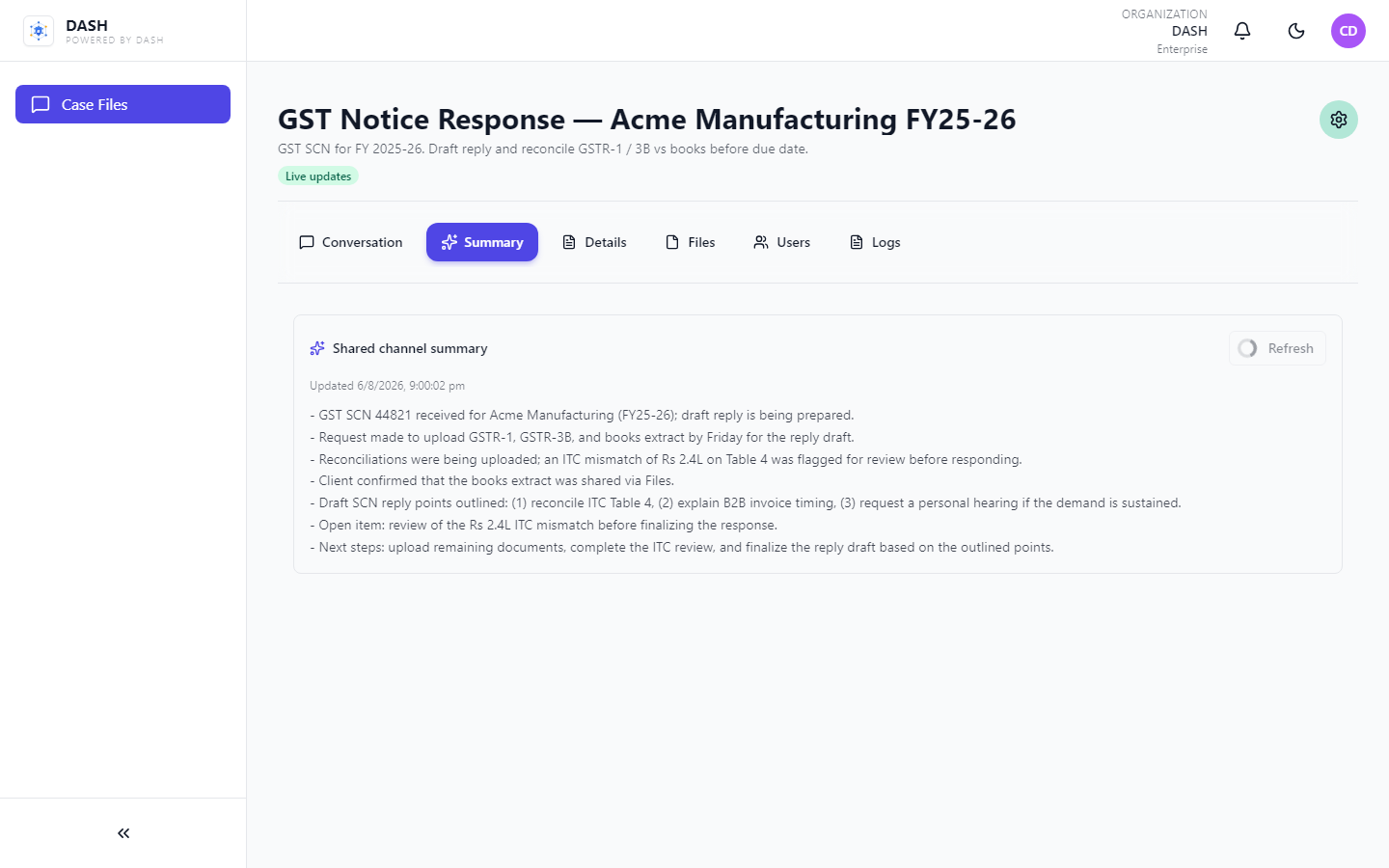
Check the Summary tab
Generate a shared AI summary so anyone joining the matter can catch up on notice status, open asks, and next steps without re-reading the thread.
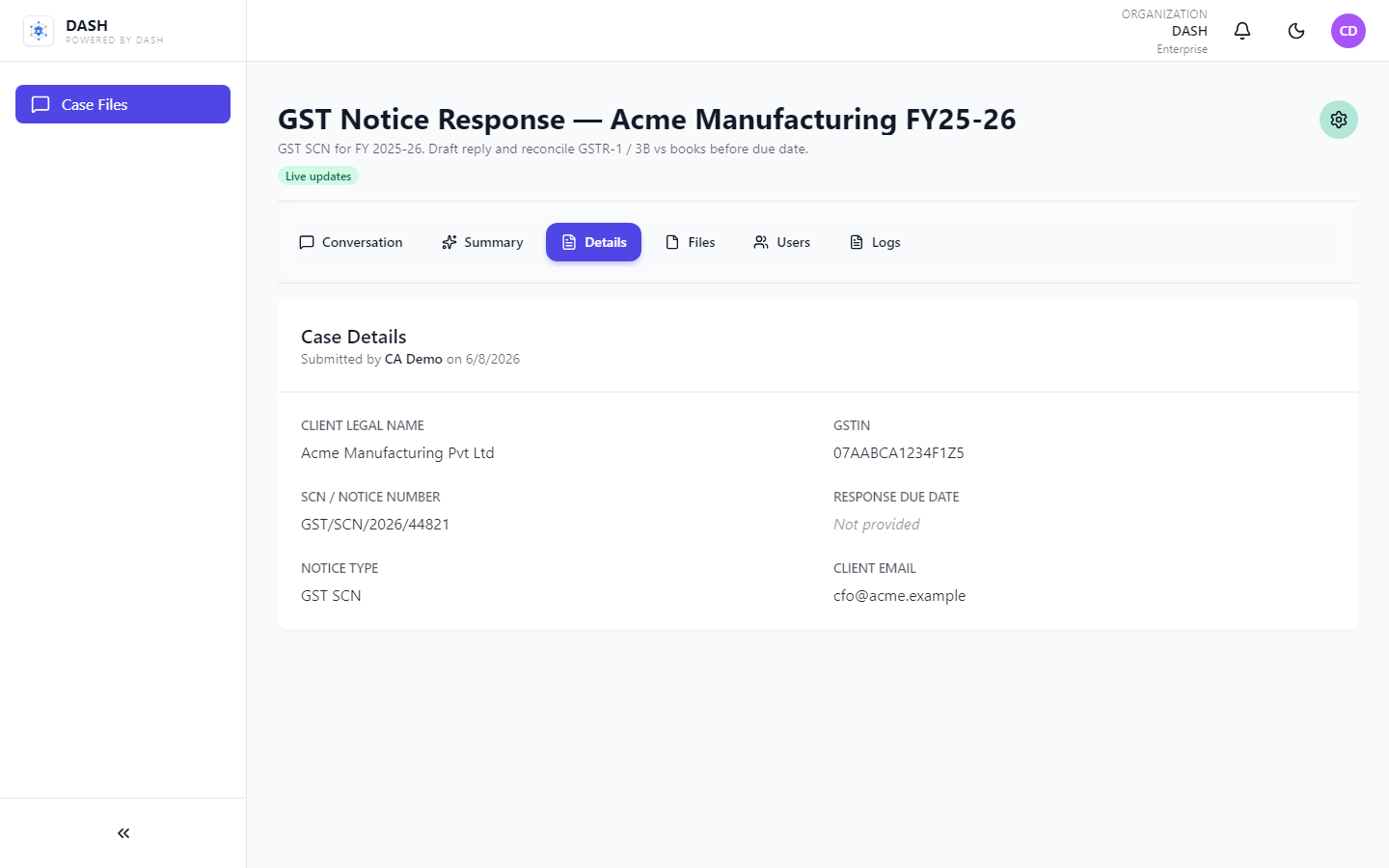
Review structured Details
All intake fields — GSTIN, SCN number, notice type, client email — stay structured and searchable next to the conversation.
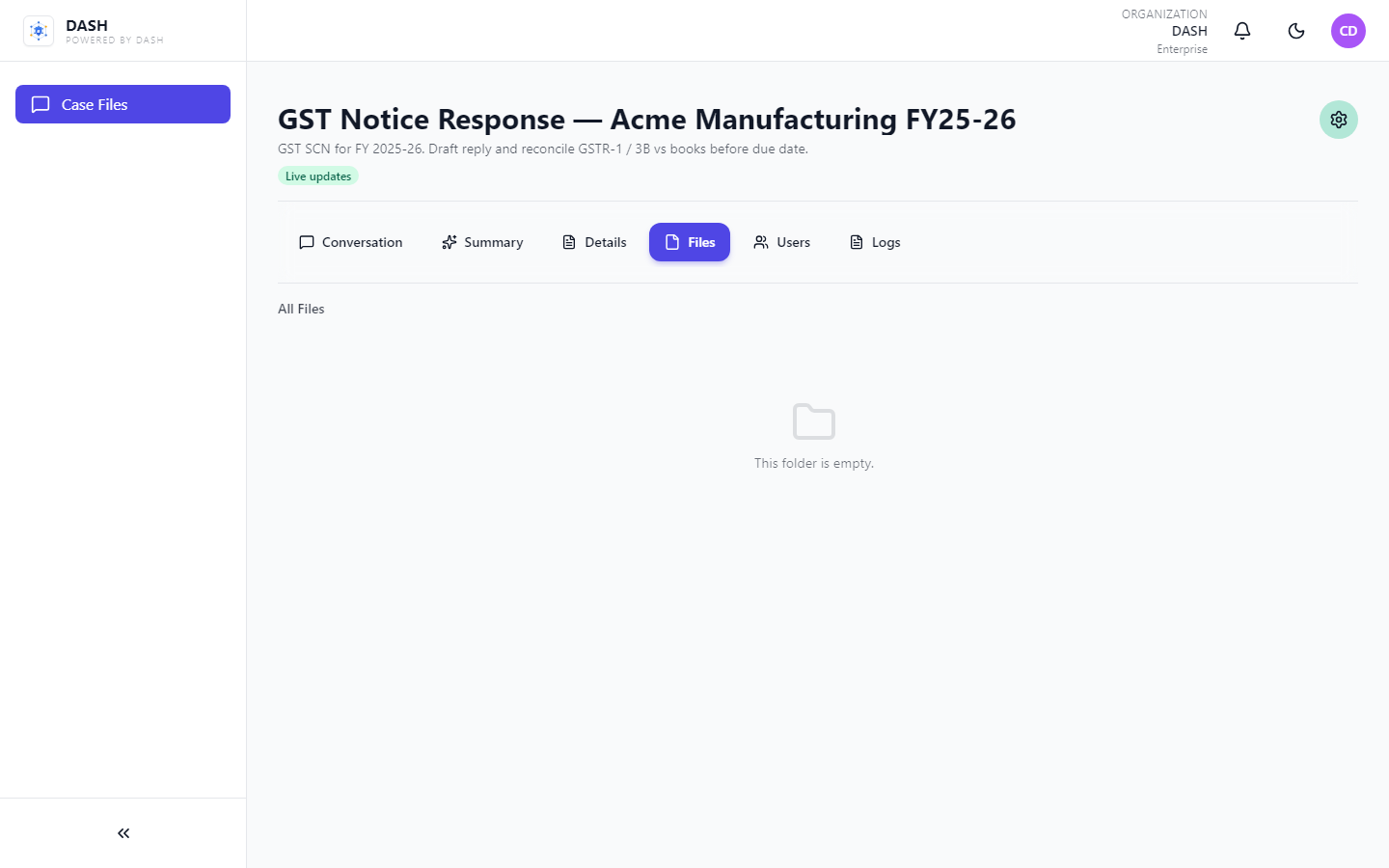
Share Files in context
Keep GSTR returns, books extracts, and draft replies in the case file folder tree — same place as the conversation.
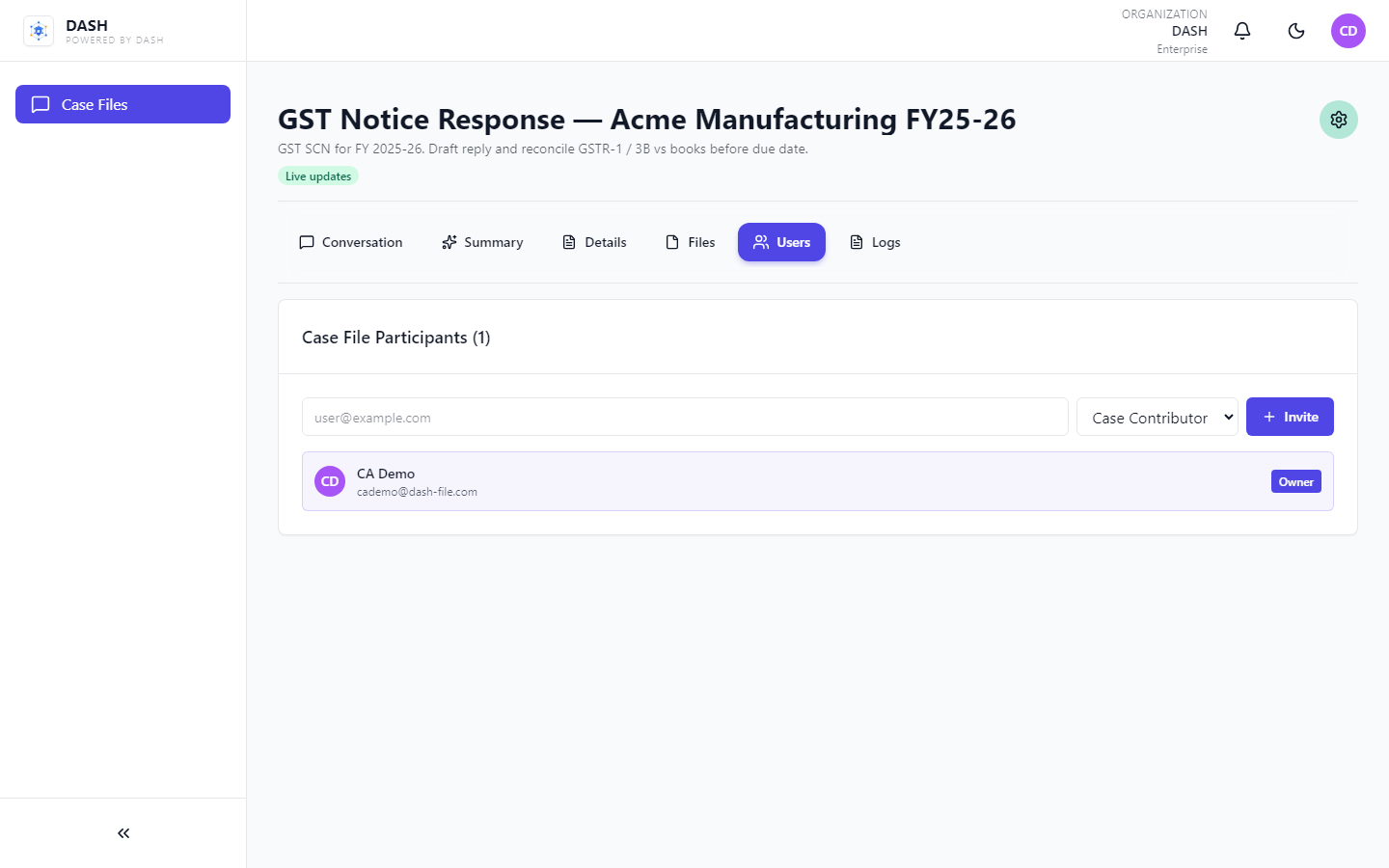
Manage Users on the matter
Invite partners, articled staff, and the client contact with case-level roles — only the people who need access.
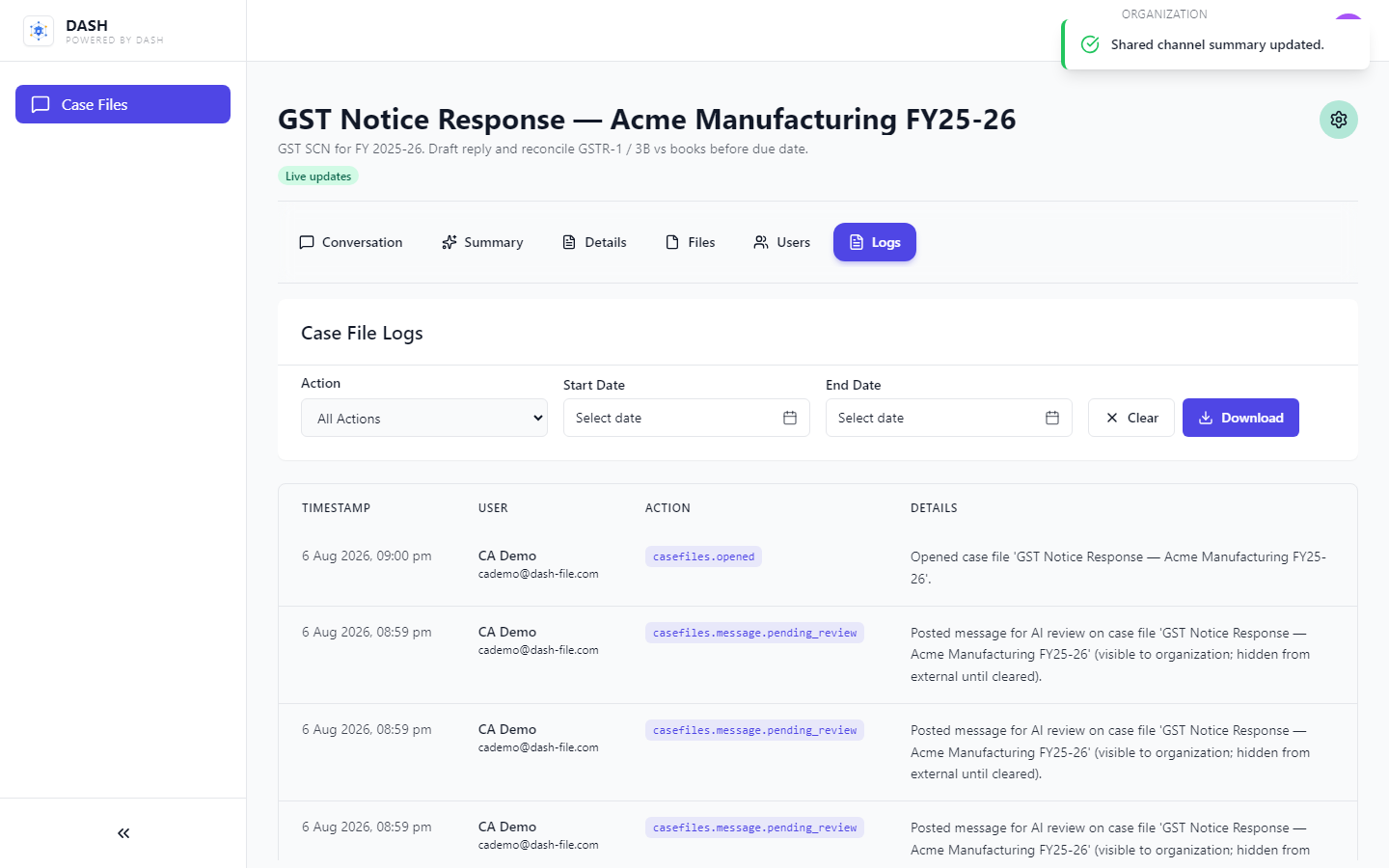
Audit with Logs
Every create, message, and membership change is logged for peer review and regulatory accountability.